How to Add Smart Bulbs and Motion Automations to Stair Lights
About This Project
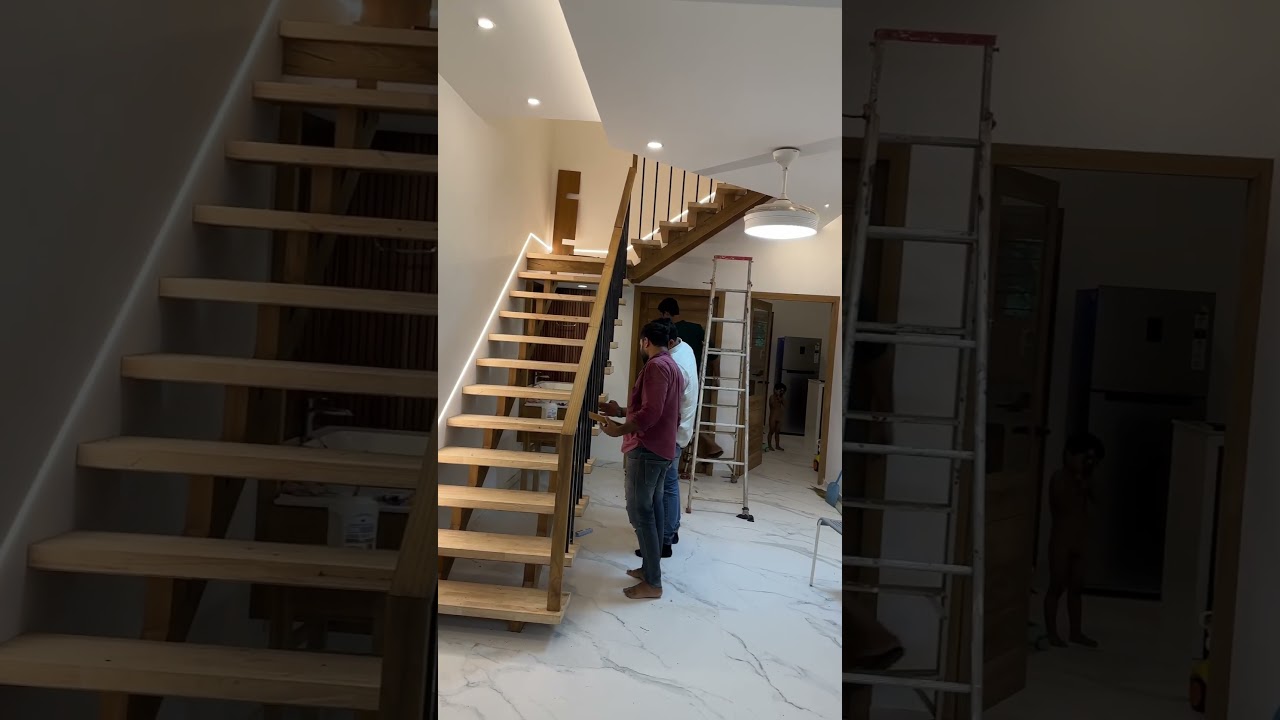
This project involves upgrading existing stair lights with smart bulbs and integrating motion sensors to create automated lighting, enhancing safety and convenience.
Tools & Materials
GE PowerMark Plus125 Amp 4-Space 8-Circuit Indoor Main Lug Circuit Breaker Panel TPL412CP
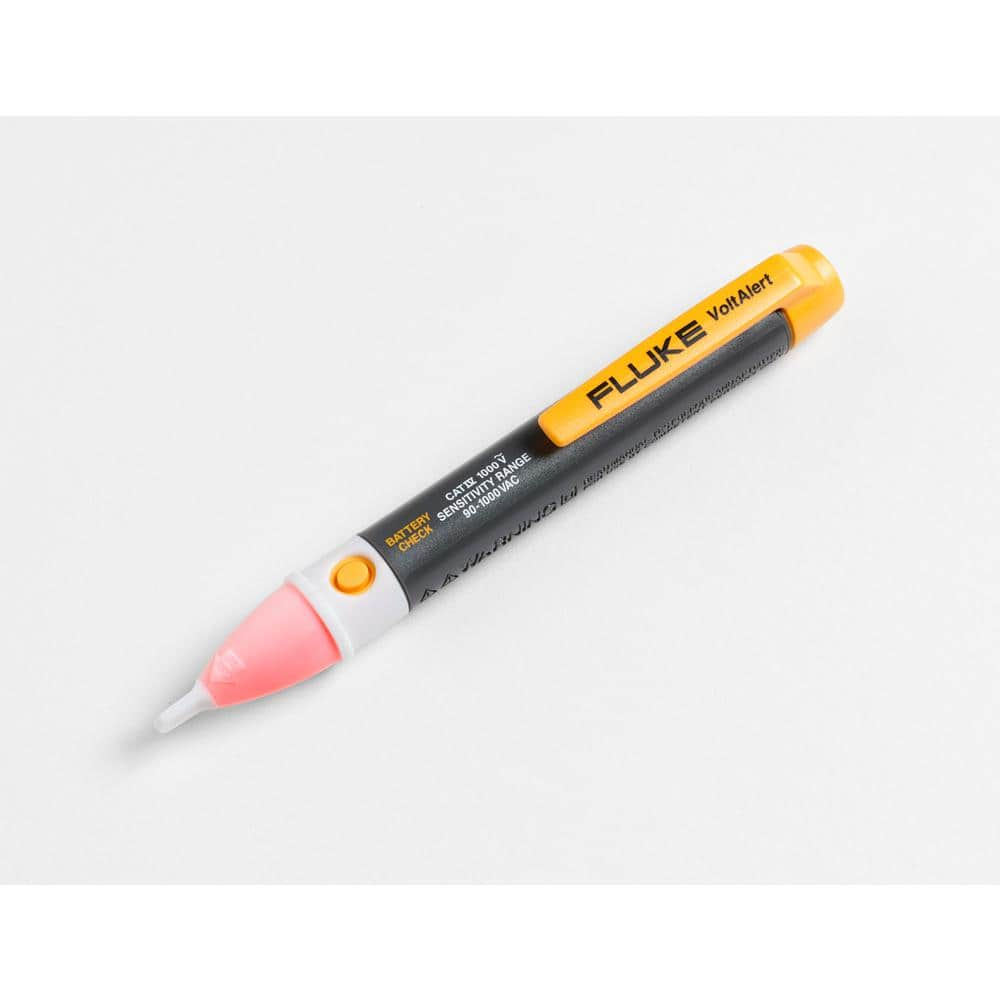
FLUKE 1AC-A1-II VoltAlert Non-Contact Voltage Tester 2432932
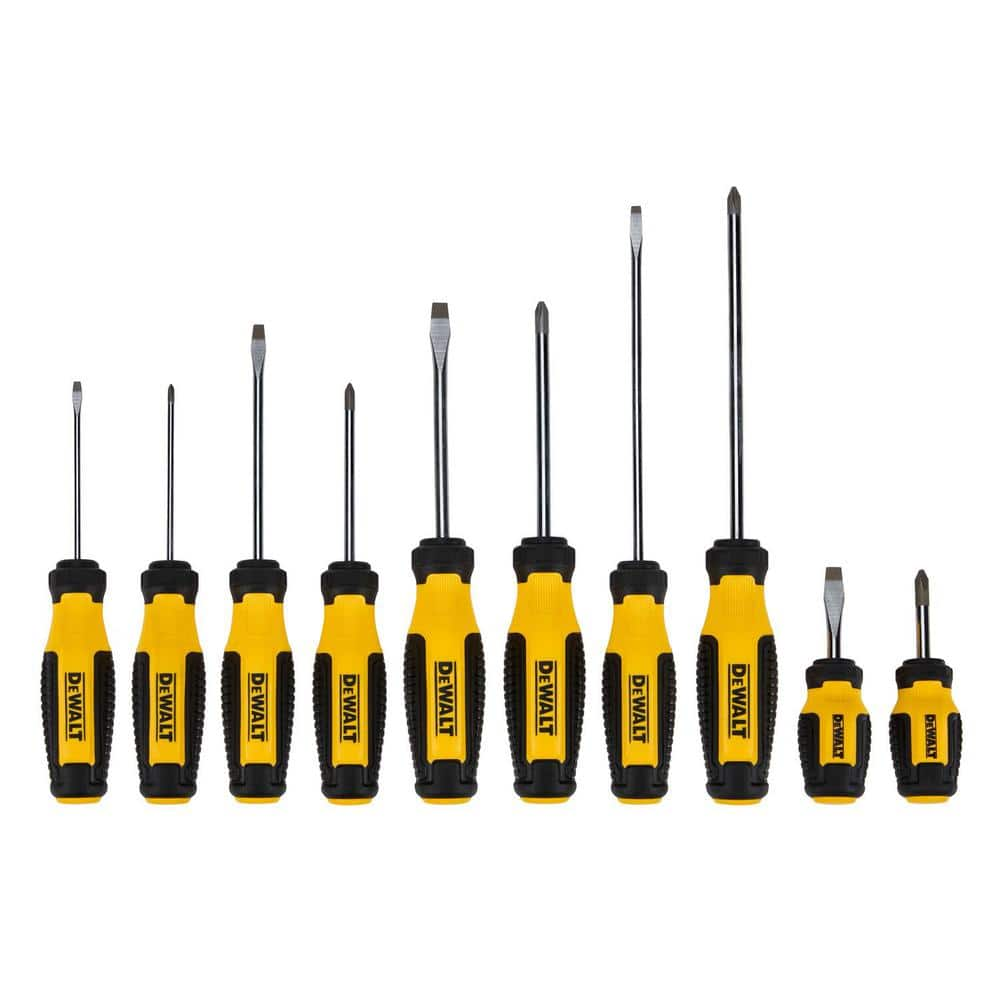
DEWALT Phillips Screwdriver Set (10-Piece) DWHT65201

CityPost 8 ft. Stair Cable Railing in White CP-8-W-S

Philips 60-Watt Equivalent A19 LED Soft White (2700K) Smart Wi-Fi Light Bulb powered by WiZ with Bluetooth (1-Pack) 562561

Drill
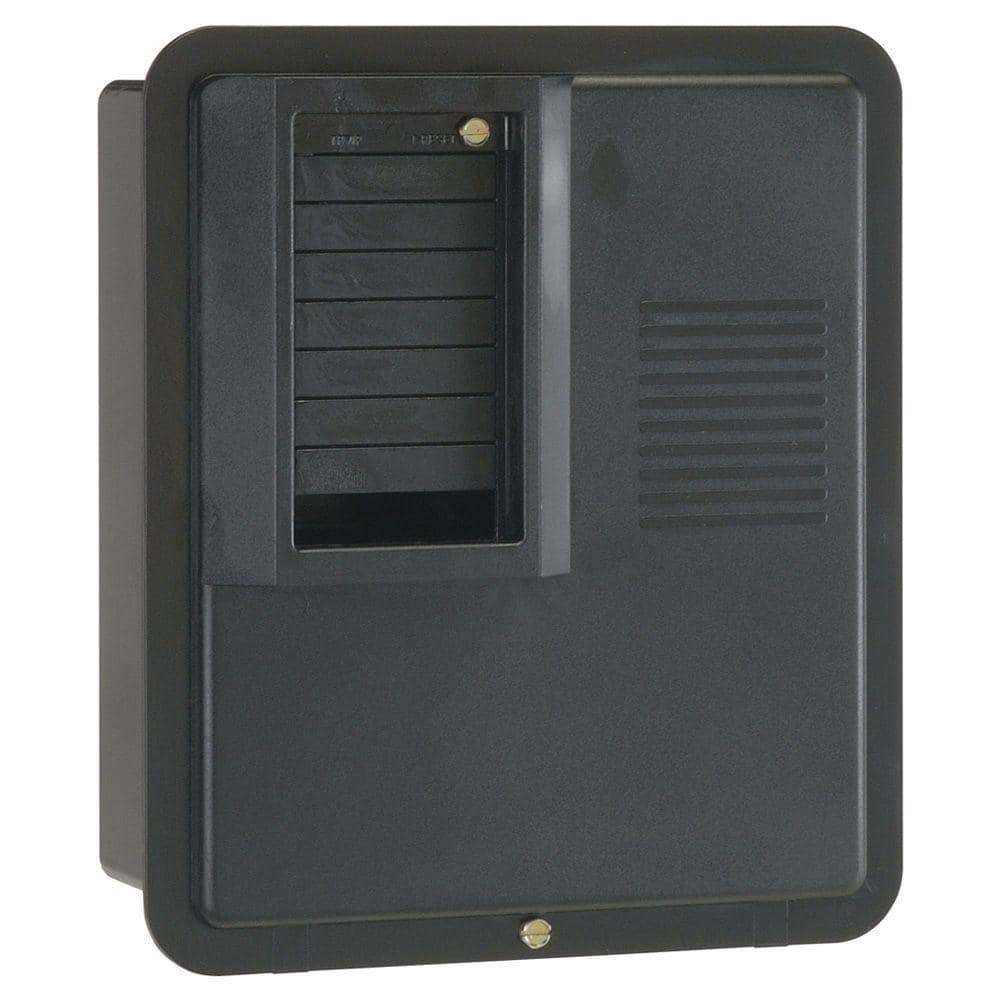
GE PowerMark Plus125 Amp 4-Space 8-Circuit Indoor Main Lug Circuit Breaker Panel TPL412CP
The load center includes a sturdy tin-plated copper buss bar and a galvanized box for increased durability and reliability. The one-piece interior removes and re-installs easily. Indoor NEMA 1 enclosure
FLUKE 1AC-A1-II VoltAlert Non-Contact Voltage Tester 2432932
The portable 1 AC II non-contact voltage tester from Fluke are easy to use - just touch the tip to a terminal strip, outlet or supply cord. When the tip glows red and the unit beeps, you know there's voltage present. Electricians, maintenance, service, safety personnel and homeowners can quickly test for energized circuits in the workplace or at home and even detect miswires of an electrical outlet.
DEWALT Phillips Screwdriver Set (10-Piece) DWHT65201
The DEWALT 10 pieas. Screwdriver Set includes a variety of handle sizes and tip types to help you complete a number of fastening projects. The steel bars are chrome-plated for corrosion resistance, while
CityPost 8 ft. Stair Cable Railing in White CP-8-W-S
CityPost 36 in. tall cable railing kits can be ordered to fit your needs regardless of your project layout. All kits come with enough posts to install at a maximum center-to-center spacing of 6 ft. (example:
Philips 60-Watt Equivalent A19 LED Soft White (2700K) Smart Wi-Fi Light Bulb powered by WiZ with Bluetooth (1-Pack) 562561
Philips Smart Wi-Fi LED lighting puts you in complete control of your lighting with smart bulbs that are easy to use, functional, and affordable. We've made all your favorite high-quality Philips bulbs
Drill
Used for various drilling tasks, including the dust collection hole and assembly of cart components.
Steps

Turn Off Power to Stair Lights
5 minutesLocate the circuit breaker that controls the stair lights. Flip the breaker to the 'OFF' position to ensure no power is flowing to the light fixtures. It's advisable to use a non-contact voltage tester to confirm the power is off at the fixture.
Watch: Turn Off Power at the Breaker
Remove Existing Stair Light Fixtures
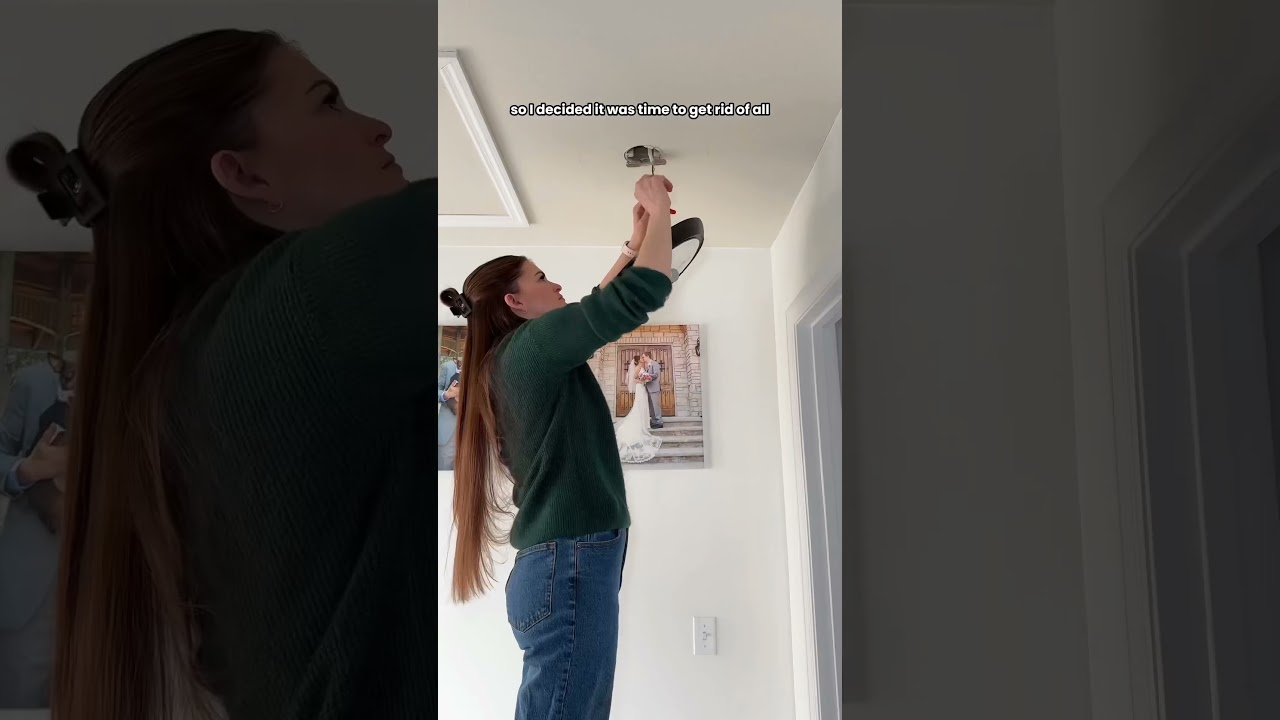
15 minutesUnscrew or unclip the old light fixtures from their mounting points. Disconnect the wiring by unscrewing wire nuts. Ensure wires are safely tucked back into the electrical box. Be careful not to damage the surrounding drywall or ceiling material.
Watch: Remove Old Light Fixture
Mount Motion Sensors
20 minutesDetermine the optimal placement for the motion sensors to detect movement effectively. This is typically at the top and bottom of the stairs, or at intervals along longer staircases. Mount the sensors using the provided adhesive or screws, following the manufacturer's instructions.
Watch: Drill for and Install Motion Sensors
Connect Smart Bulbs and Sensors to Network
30 minutesFollow the manufacturer's instructions for each smart device to connect them to your network. This typically involves using a smartphone app to guide the pairing process. Ensure a strong Wi-Fi signal is available at the locations of the bulbs and sensors.
Watch: Connect Smart Bulb(s) to System
Configure Automation Rules
25 minutesUsing the smart home app associated with your bulbs or hub, create automation routines. For example, 'When motion is detected by the bottom sensor, turn on stair lights to 50% brightness for 2 minutes.' Configure settings for brightness, duration, and specific lights to be controlled by each sensor.
Watch: Configure Automations in SmartThings 'Smart Lighting' App
Test the System
15 minutesWalk past each motion sensor to ensure the corresponding stair lights turn on as programmed. Test different times of day and different lighting conditions to confirm proper functionality. Adjust sensor sensitivity or placement if necessary.
Watch: Test and Adjust the System