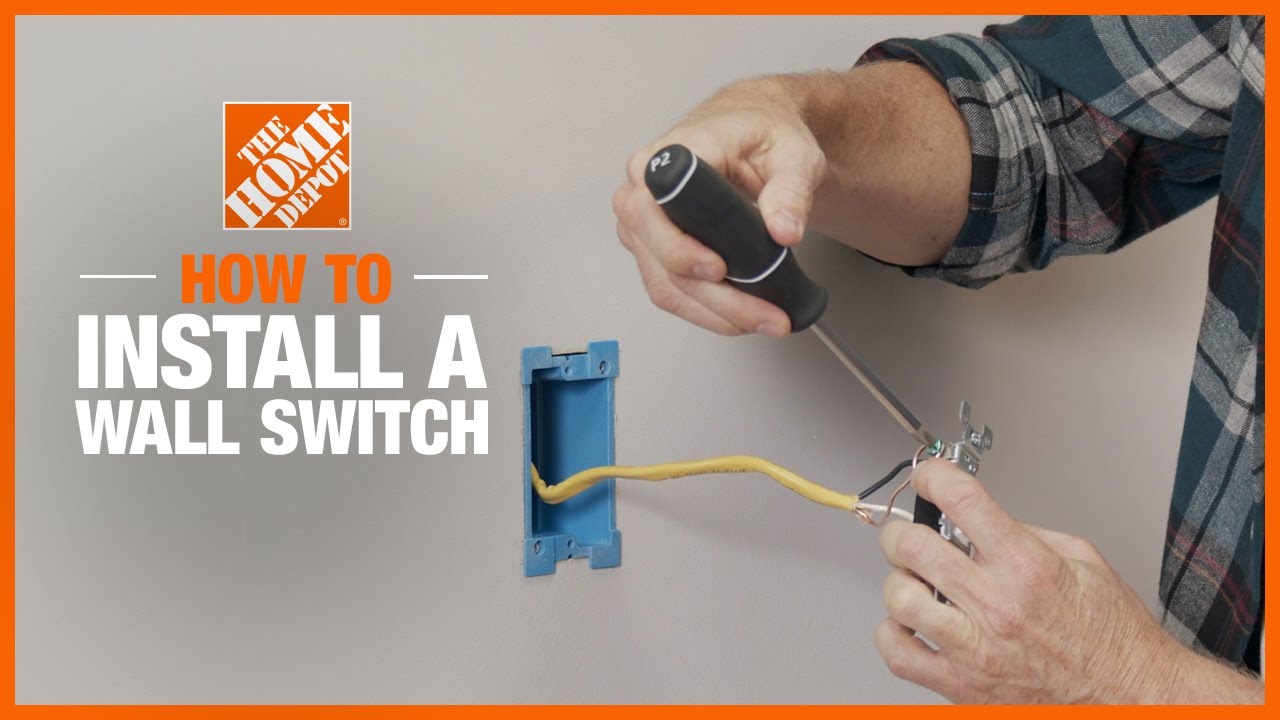
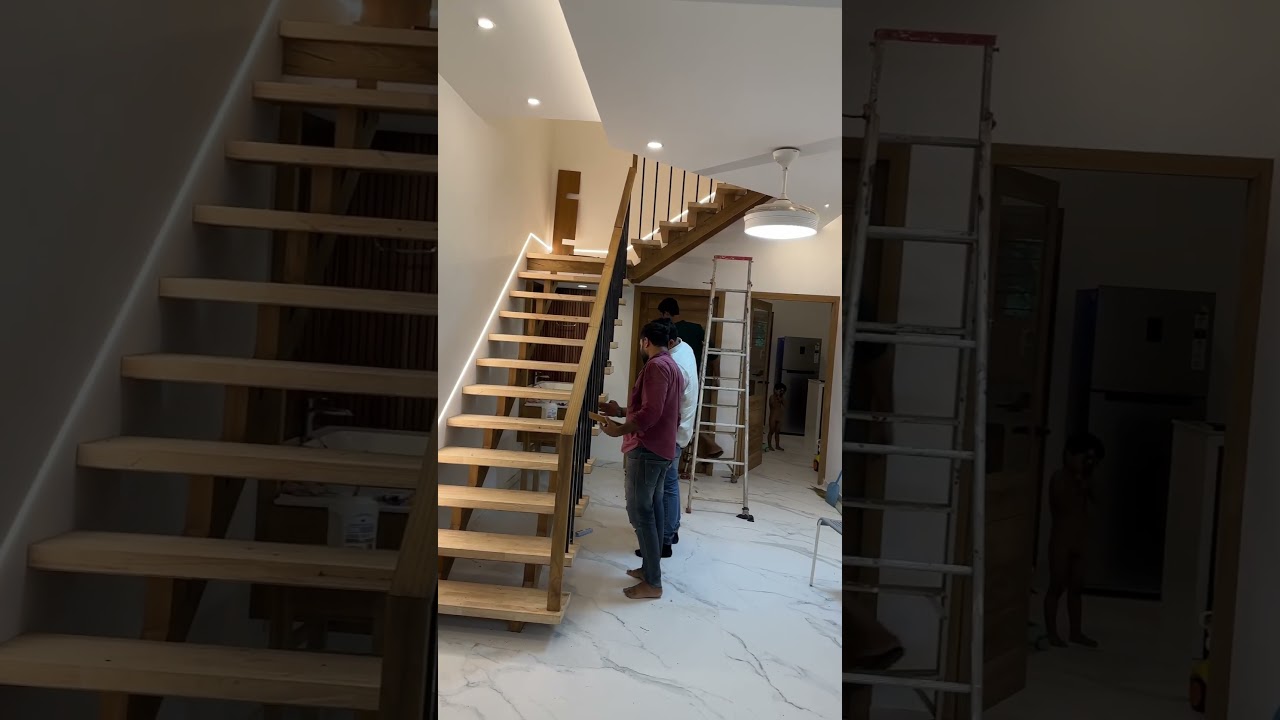
How to Add Motion-Activated Lights to a Dark Hallway at the Top of the Stairs
About This Project
Install motion-activated lighting in a hallway at the top of the stairs to enhance safety and convenience.
Tools & Materials

Leviton Branch Circuit Breaker, AFCI 1-Pole 20 Amp, 120-Volt, Thermal Magnetic R01-LB120-AFR

Square D Homeline 200 Amp 40-Space 80-Circuit Indoor Main Breaker Electrical Panel with Cover HOM4080M200PC
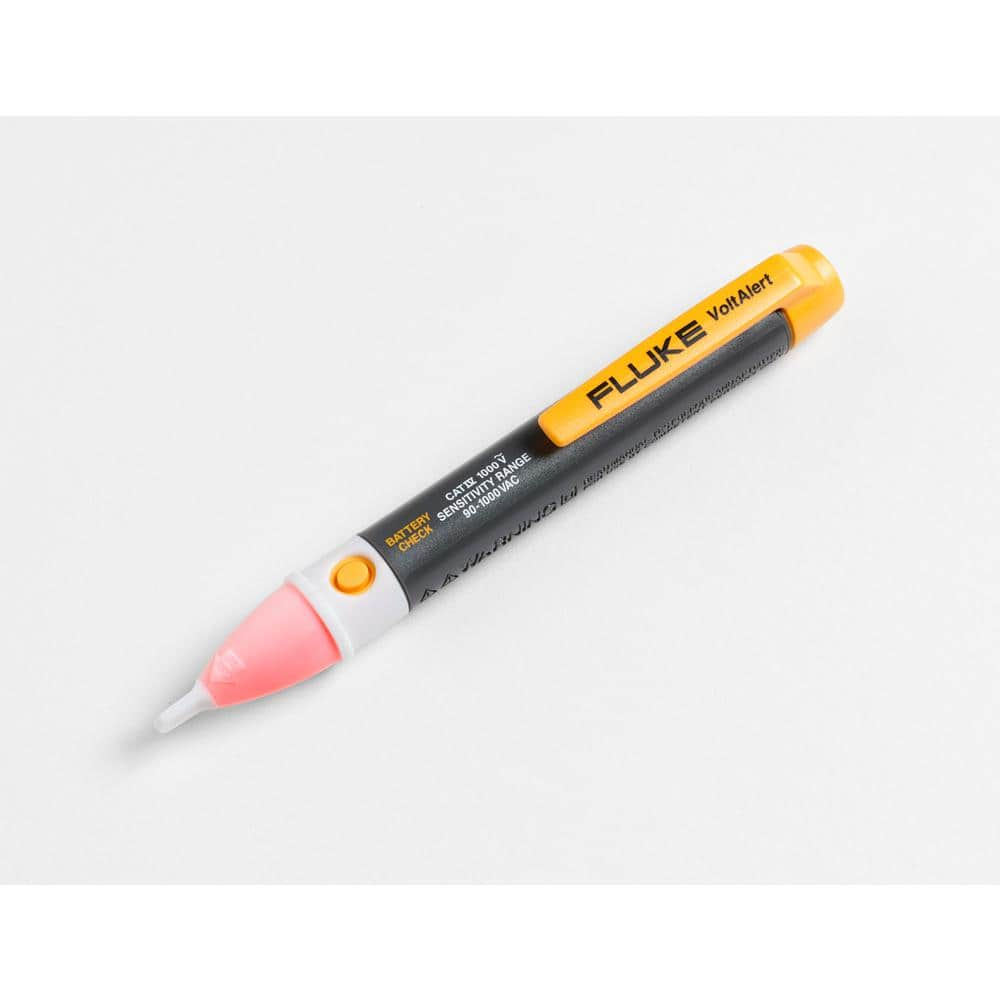
FLUKE 1AC-A1-II VoltAlert Non-Contact Voltage Tester 2432932
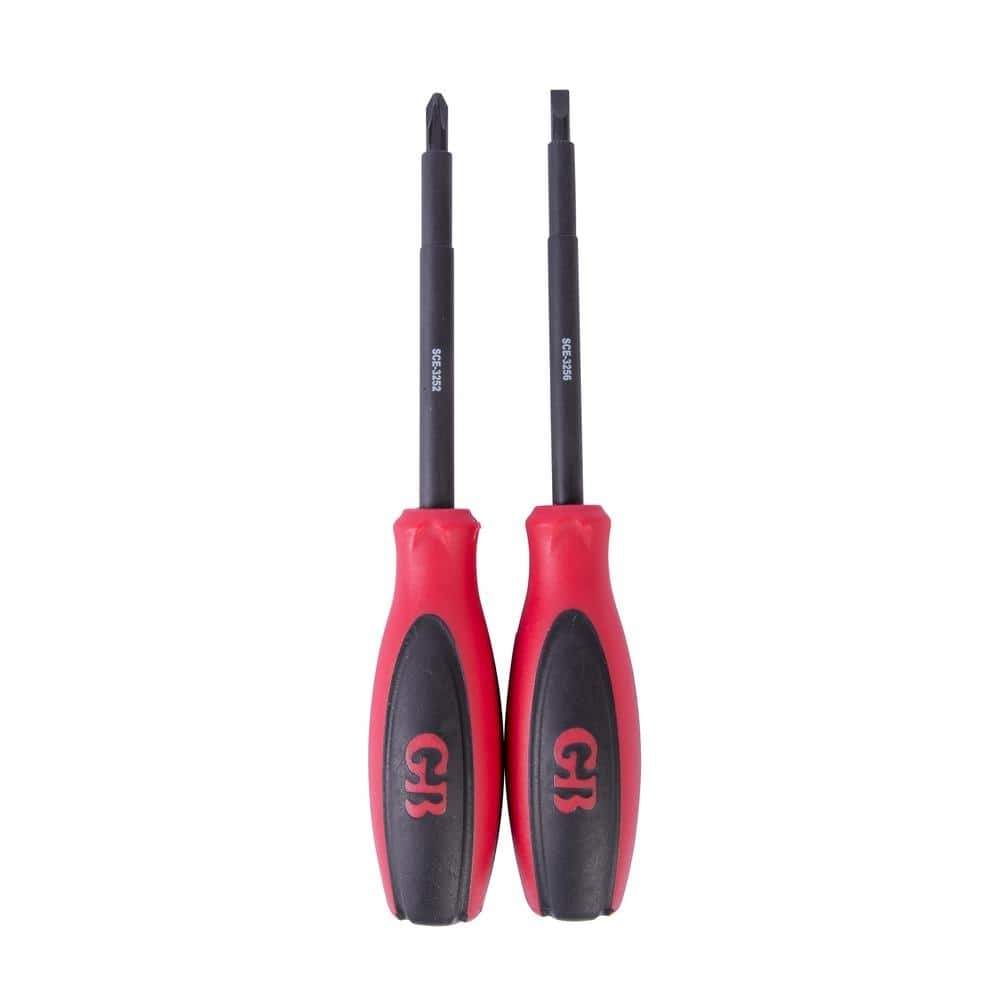
Gardner Bender #2 Phillips and 3/16 Standard Insulated Screwdriver Set (2-Piece) SCE-3262

Wire nuts

Pliers
Leviton Branch Circuit Breaker, AFCI 1-Pole 20 Amp, 120-Volt, Thermal Magnetic R01-LB120-AFR
Leviton is proud to bring the Load Center into the 21st century with a focus on improved safety and ease of installation. Thanks to its revolutionary design, all hot and neutral wires terminate at custom
Square D Homeline 200 Amp 40-Space 80-Circuit Indoor Main Breaker Electrical Panel with Cover HOM4080M200PC
The Square D Homeline 200 Amp 40-Space 80-Circuit Indoor Convertible Main Breaker Load Center with cover for Plug-on Neutral breakers is UL listed for residential and commercial power distribution. This
FLUKE 1AC-A1-II VoltAlert Non-Contact Voltage Tester 2432932
The portable 1 AC II non-contact voltage tester from Fluke are easy to use - just touch the tip to a terminal strip, outlet or supply cord. When the tip glows red and the unit beeps, you know there's voltage present. Electricians, maintenance, service, safety personnel and homeowners can quickly test for energized circuits in the workplace or at home and even detect miswires of an electrical outlet.
Gardner Bender #2 Phillips and 3/16 Standard Insulated Screwdriver Set (2-Piece) SCE-3262
Hand tools are a part of every toolbox. With exclusive features for safety, durability, reliability and life strength, Gardner Bender hand tools offer superior performance on every job. This screwdriver
Wire nuts
Connects electrical wires with a twist.
Pliers
Grips and manipulates objects.
Steps
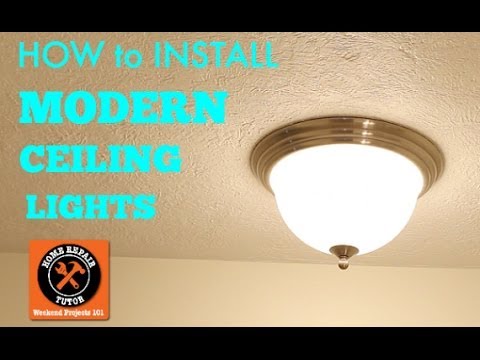
Turn Off Power to Hallway Circuit
5 minutesLocate the main electrical panel for your home. Identify the circuit breaker that controls the lighting in the hallway where you will be working. Flip the breaker to the 'OFF' position. It is recommended to also turn off the main breaker for added safety, although not strictly necessary if the correct circuit breaker is identified and shut off.
Watch: Turn Off Power
Remove Existing Hallway Light Fixture
15 minutesUnscrew or unclip any cover or diffuser from the existing light fixture. Remove any light bulbs. Unscrew the mounting screws or nuts that hold the fixture base to the ceiling electrical box. Gently pull the fixture away from the ceiling to expose the wiring. Disconnect the wires by unscrewing the wire nuts connecting the house wiring to the fixture wiring. Ensure the house wires are carefully pushed back into the electrical box so they do not fall out.
Watch: Remove Old Light Fixture
Install New Motion-Sensing Light Fixture
30 minutesRefer to the new fixture's manual for specific mounting instructions. Typically, you will attach a mounting bracket to the ceiling electrical box using the provided screws. Connect the house wires to the corresponding wires on the new fixture using wire nuts: black to black (hot), white to white (neutral), and green or bare copper to the grounding screw or wire. Ensure all connections are secure and all wire nuts are tightened. Gently push the connected wires and the fixture base into the electrical box. Secure the new fixture to the mounting bracket according to the manufacturer's instructions.
Watch: Connect New Light Fixture Wiring
Test the Motion-Sensing Light
10 minutesOnce the fixture is securely mounted and all connections are made, it's time to test. Go back to the main electrical panel and flip the circuit breaker for the hallway lighting back to the 'ON' position. Allow the fixture a moment to power up. Walk into the hallway to trigger the motion sensor. The light should turn on. Test the sensitivity and duration settings if your fixture has adjustable options, following the manufacturer's instructions.
Watch: Test and Adjust Settings
Install Light Cover and Final Touches
10 minutesIf your motion-sensing light fixture has a cover, diffuser, or globe, install it now according to the manufacturer's instructions. Ensure it is securely attached. Clean up any dust or debris from the installation process. Ensure the area around the fixture is clean and tidy. Your new motion-sensing hallway light is now ready for use.
Watch: Finish and Test Light