How to Reset a Garbage Disposal: A Quick 5-Minute DIY Guide
About This Project
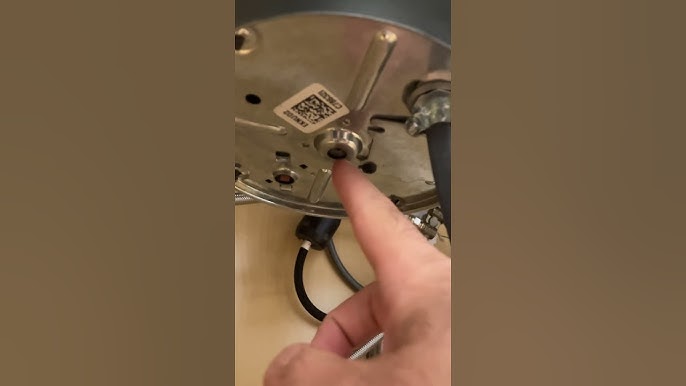
This project provides a step-by-step guide on how to reset a garbage disposal. It begins with safety precautions, emphasizing the importance of disconnecting power at the outlet and circuit breaker. Then, it guides you to locate the reset button, typically a small red or yellow button on the bottom of the unit. Next, you press and hold this reset button for a couple of seconds until you hear a click. Finally, you restore power and test the garbage disposal by running cold water and turning the unit on.
Best for beginners and first-time DIYers. Requires access to electrical panel.
Tools & Materials
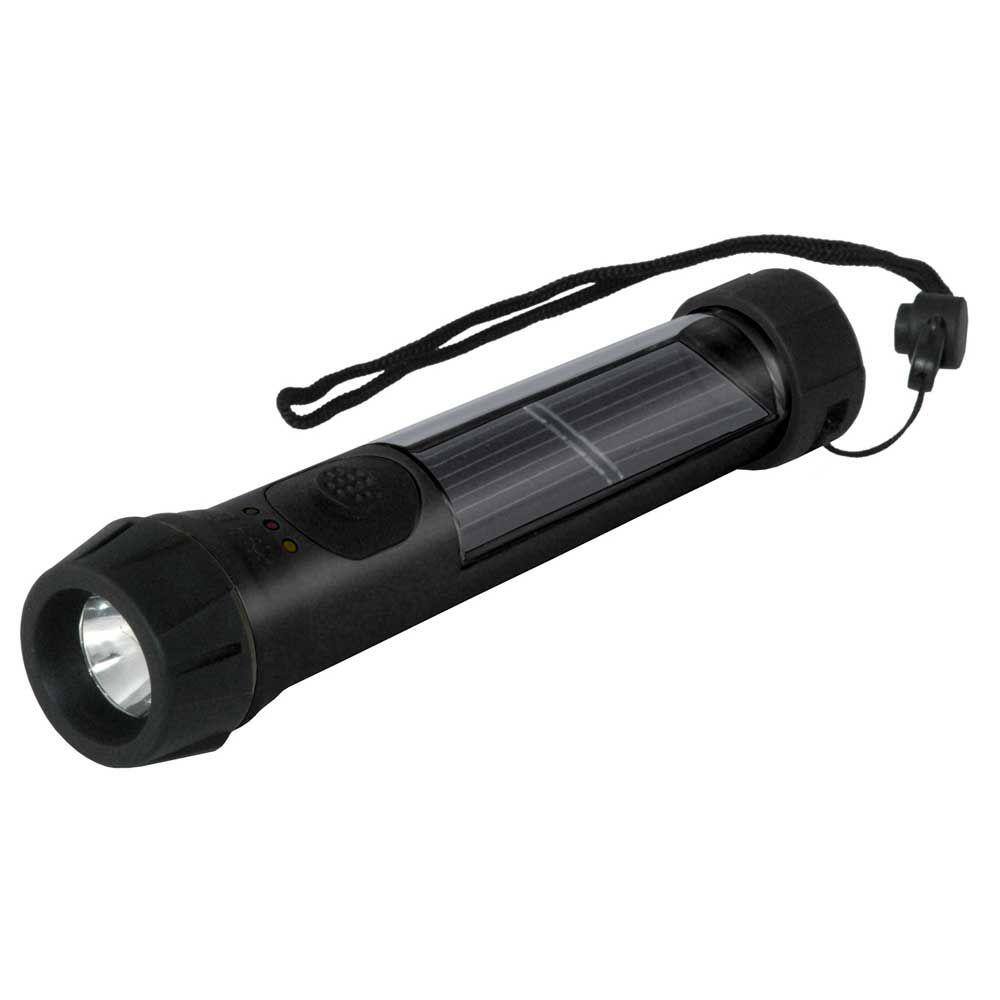
Hybrid Light Solar Flashlight - Black 001175
Water
Hybrid Light Solar Flashlight - Black 001175
The Hybrid Solar Light uses revolutionary technology that generates power from any light source, indoor lighting or sun light and stores it for later use. The Hybrid Solar Light is always collecting power
Water
Essential for life and countless tasks.
Steps


Common Problems
Electrical issues or no power
Solution: Double-check all connections and follow the installation steps carefully.
Prevention: Double-check the power is off by attempting to turn on the disposal switch.
Frequently Asked Questions
Why is it crucial to disconnect power at both the outlet and the circuit breaker before I start?
Disconnecting power at both points ensures complete electrical isolation, preventing accidental electrocution or damage to the unit during inspection or reset. The outlet switch might only turn off one part, while the circuit breaker cuts power to the entire circuit, offering maximum safety for your DIY repair.
What should I do if my garbage disposal still doesn't turn on after I press the reset button?
If the reset button doesn't work, first ensure there isn't a jam by looking for foreign objects inside the disposal (use a flashlight and never your hand!). Try using an Allen wrench (typically 1/4 inch or 6mm, often included with the disposal) in the center hole on the bottom to manually free the motor. If it still fails, the motor might be faulty, requiring professional assistance.
Do I need any special tools or equipment to reset my garbage disposal?
For simply pressing the reset button, no special tools are required. However, having a flashlight can be helpful to locate the button under the sink, and an Allen wrench is often needed if you suspect a jam is preventing the disposal from working after a reset.
How long does this reset process typically take, and is it truly suitable for a complete DIY novice?
This reset process is very quick, typically taking less than 5-10 minutes from start to finish, including safety steps. It is absolutely suitable for a complete DIY novice because it involves simple, clear steps like locating a button and pressing it, with minimal tools required and a strong emphasis on safety.
My garbage disposal's reset button keeps popping out shortly after I press it. What could be causing this?
A continually popping reset button usually indicates an underlying issue like a persistent jam, an overloaded motor, or the motor itself overheating. Check thoroughly for any foreign objects that might be jamming the grind plate. If no jam is present, it might signal a failing motor that is drawing too much power, requiring professional assessment.
What if I can't find the reset button on my garbage disposal unit?
The reset button is almost always located on the bottom of the garbage disposal unit, often a small red or sometimes yellow button. If you're having trouble locating it, try looking at the very center of the underside. If still no luck, consult your specific garbage disposal model's owner's manual or the manufacturer's website for an exact diagram.